SOP Template: How to Write Standard Operating Procedures Your Team Actually Uses (Free Copy-Paste Template)
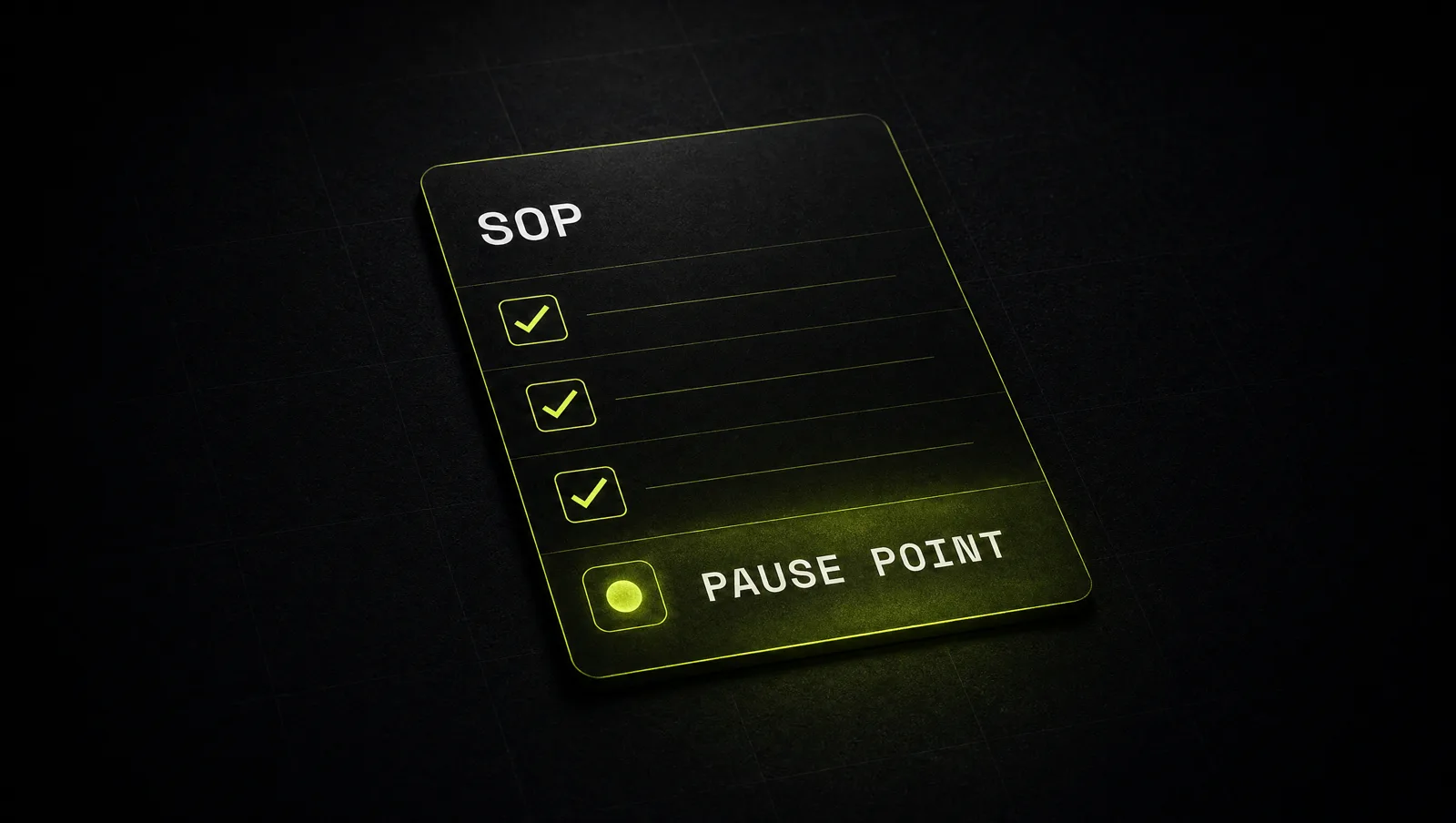
Every growing business hits the same wall. The founder is the only one who knows how things are done, so every question lands in their inbox. Someone finally writes it all down in a 14 page document, nobody opens it, and a month later the questions are back.
This guide shows you how to write an SOP template your team actually uses. You get a free, copy-paste standard operating procedure template, a five step method to fill it in, a real case from surgery that shows why short checklists beat long manuals, and two Claude prompts that turn a messy process description or a screen recording transcript into a finished SOP.
The short version:
- An SOP is only useful if people open it at the moment they do the work, so it has to be short, specific and easy to find.
- Every good SOP answers six questions: what starts it, what "done" looks like, who does it, what you need, the steps, and how you check the result.
- Write steps as verb plus object plus location, one action per line, so anyone can follow them without asking.
- Put a quality check at the points where mistakes are expensive, not after every single step.
- Record the process once, let Claude draft the SOP, then have the person who does the job test it and fix it.
What is an SOP template?
An SOP template is a fixed structure for writing standard operating procedures: step by step instructions that describe how a recurring task is done in your business, by whom, and to what standard. The template makes every SOP look the same, so your team always knows where to find the trigger, the steps and the quality check. A good SOP template is short enough to follow during the task, not just readable during onboarding.
SOPs are different from policies and from general documentation. A policy says what is allowed. Documentation explains how something works. An SOP tells one person exactly what to do next, in order, until the task is done.
The core: a manual versus a working SOP
Most SOPs fail for one reason: they are written for the person who writes them, not for the person who uses them. The writer wants to prove the process is complete. The user wants to know the next step in ten seconds.
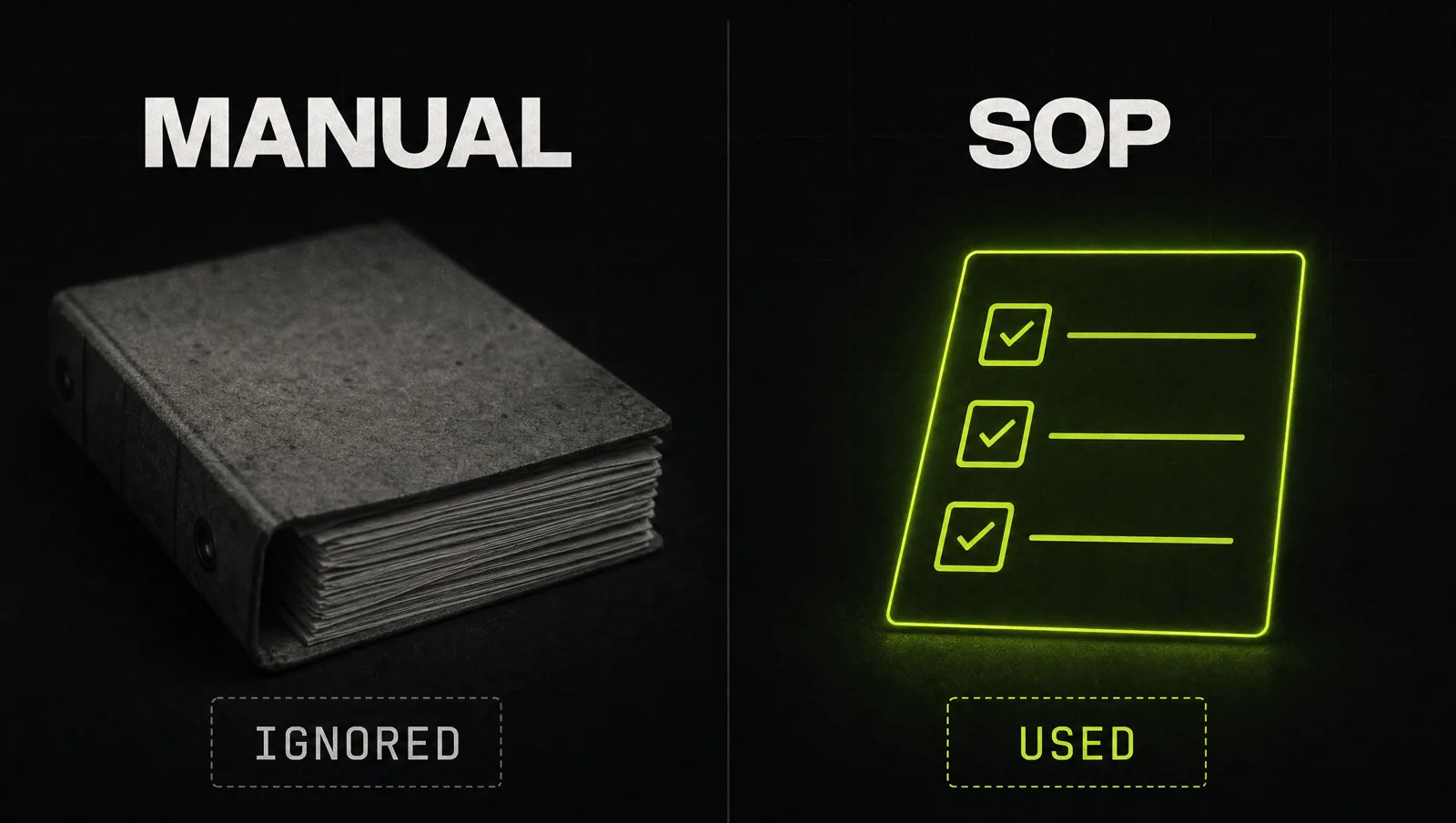
| Manual nobody reads | SOP people use | |
|---|---|---|
| Length | Pages of background and edge cases | One screen, with links for the rare cases |
| Starting point | "This document describes..." | A clear trigger: "When a new client signs..." |
| Steps | Paragraphs that mix several actions | One action per line: verb, object, location |
| Quality | Hope that people remember | Checkboxes at the risky moments |
| Ownership | Written once, never touched again | One owner, a review date and a change log |
| Where it lives | A folder nobody remembers | Linked inside the tool where the work happens |
If you only change one thing, change the length. A short SOP that covers the critical steps gets used. A complete SOP that nobody opens protects nothing.
The free SOP template (copy and paste)
Copy the block below into Notion, Google Docs, ClickUp or any tool your team already uses. Replace everything in [BRACKETS]. Keep the headings, because the same structure in every SOP is what makes them fast to scan.
Make it yours · 0/12 filled
# SOP: [PROCESS NAME]

SOP ID: [SOP-001]
Owner: [NAME, ROLE]
Version: [1.0] | Last reviewed: [DATE] | Next review: [DATE]

## 1. Purpose
[One sentence: what this process achieves and why it matters.]

## 2. Trigger
[The exact event that starts this process.]

## 3. Done when
[The exact result that ends it.]

## 4. Who does what
- Does the work: [ROLE]
- Checks the work: [ROLE]
- Ask when stuck: [NAME, CHANNEL]

## 5. What you need before you start
- [Tool or login]
- [File, template or link]
- [Information you need from someone else]

## 6. Steps
1. [Verb + object + where]
2. [Next step]
3. [Next step]
   - If [CONDITION]: [DO THIS]
   - Otherwise: [DO THAT]
4. [Next step]
5. [Next step]

## 7. Quality check (pause point)
- [ ] [Critical check 1]
- [ ] [Critical check 2]
- [ ] [Critical check 3]

## 8. Common mistakes
- [Mistake] > [How to avoid it]

## 9. Example of a finished result
[Link to a real, good example or a screenshot.]

## 10. Change log
[DATE] | [VERSION] | [WHAT CHANGED] | [WHO]How to write an SOP in 5 steps
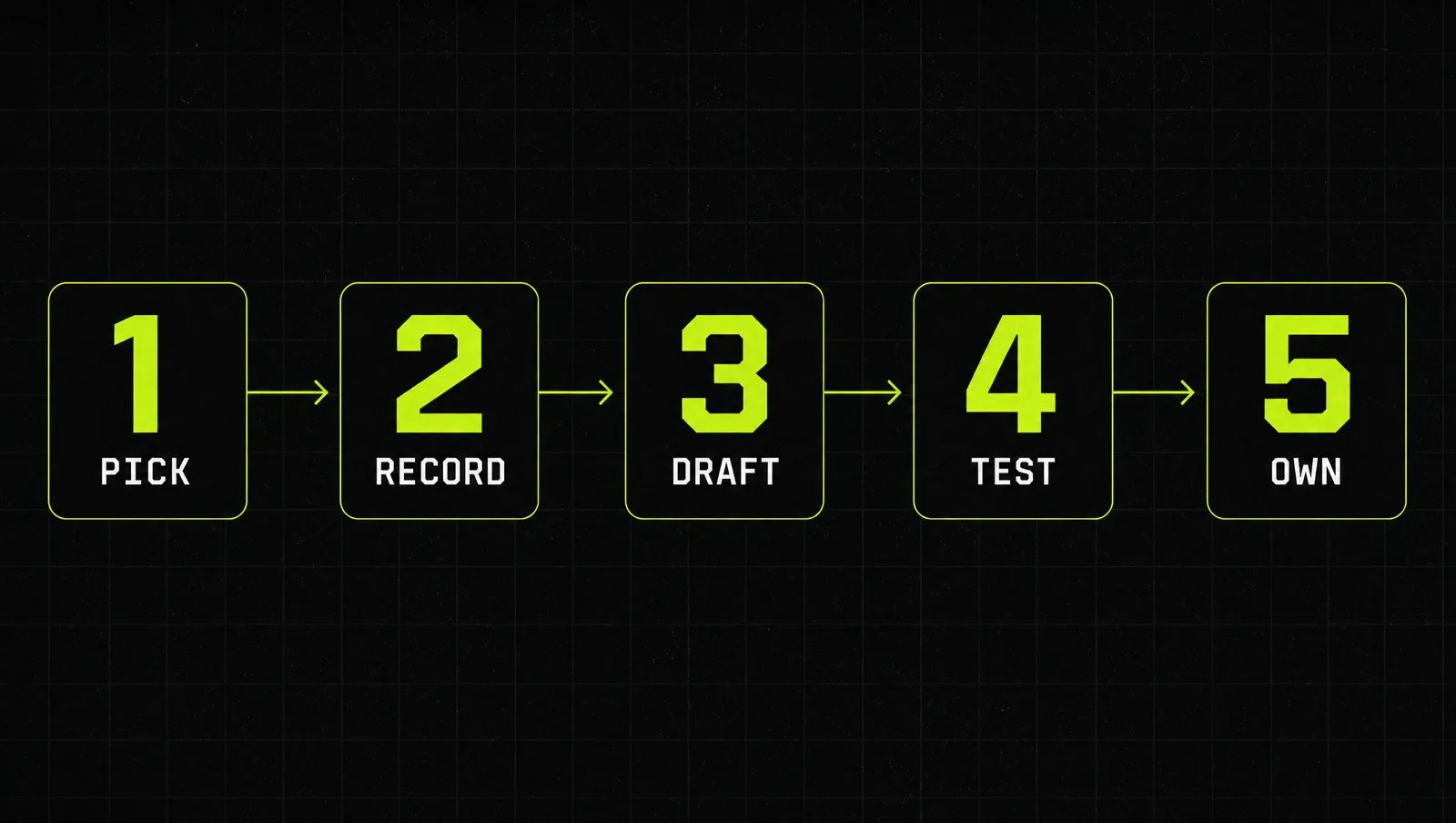
Step 1: Pick the process that hurts most
Don't try to document the whole business in one week. Start with the task that is repeated often, goes wrong in expensive ways, or keeps pulling you back in. Good first candidates: client onboarding, invoicing, publishing content, handling a refund. One finished SOP that people use is worth more than twenty drafts.
Step 2: Capture the process while someone does it
Nobody remembers every click from memory. Record the person who does the task well while they do it, with a screen recording and a voice explaining what they do and why. If recording is not possible, have them talk you through the last real case step by step. You now have raw material that reflects how the work is really done, not how people think it is done.
Step 3: Draft it in the template
Turn the recording into the template above. Fill in the trigger and the "done when" line first, because they set the boundaries. Then write the steps: one action per line, starting with a verb, naming the exact tool, field or folder. Move background explanations out of the steps and into the purpose line or a linked page. This is the step Claude does well, see the prompts below.
Step 4: Test it with someone who has never done the task
Hand the SOP to a person who has never done this job and watch them follow it without help. Every time they hesitate or ask a question, the SOP has a gap. Fix it right there. Then add checkboxes at the two or three moments where a mistake would cost the most: before money moves, before something goes to a client, before anything is deleted.
Step 5: Put it where the work happens and give it an owner
Link the SOP inside the tool where the task starts: in the project template, the CRM stage, the recurring task. Name one owner and a review date. When the process changes, the owner updates the SOP and adds a line to the change log. If your team runs on Claude, you can also turn the finished SOP into a reusable skill, see how to add skills in Claude.
A real case: the WHO Surgical Safety Checklist
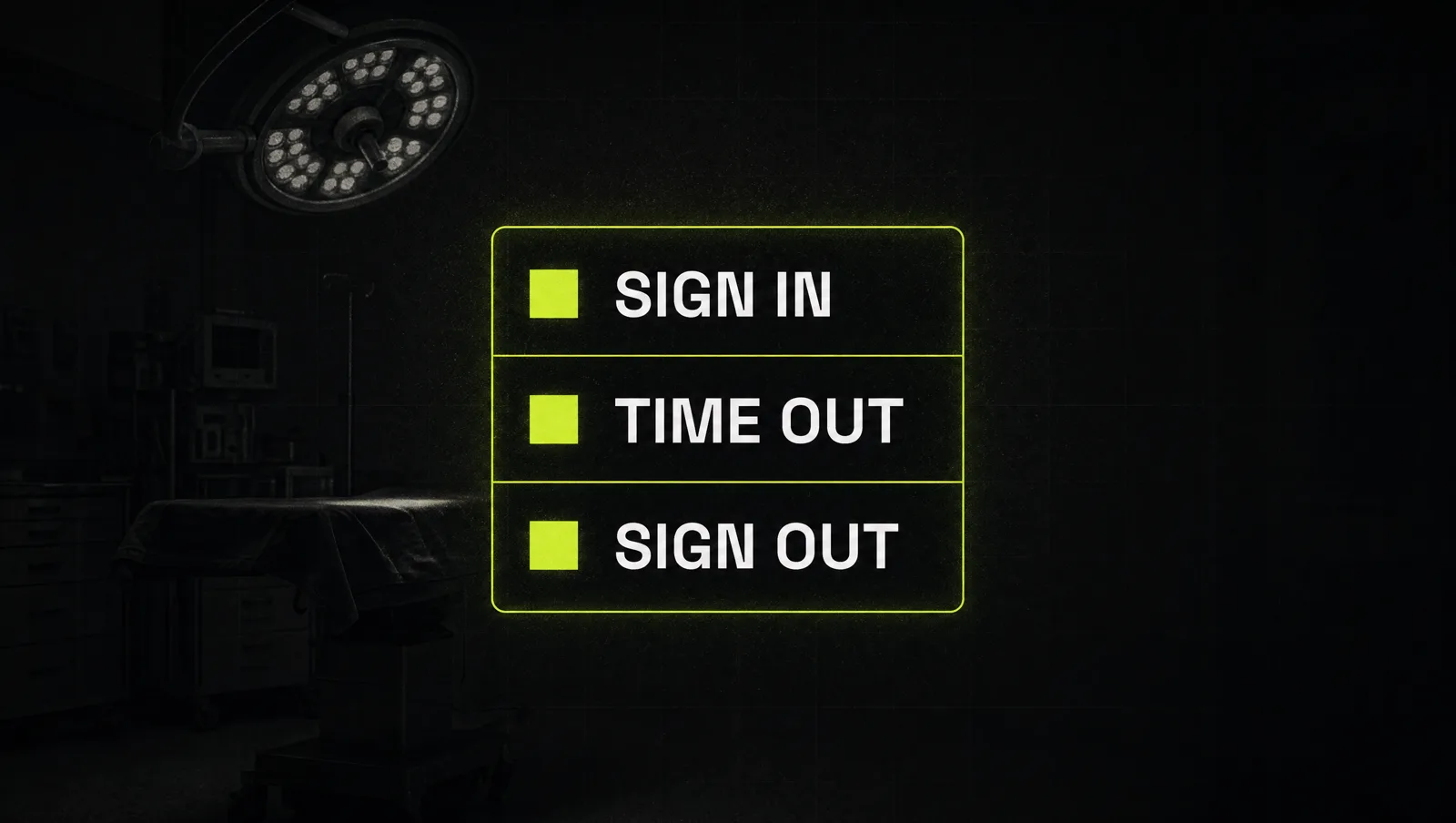
The best documented example of a short procedure changing results comes from surgery. The World Health Organization developed a 19 item Surgical Safety Checklist under its "Safe Surgery Saves Lives" program. It is used at three moments: before anaesthesia, before the first incision and before the patient leaves the operating room.
The checklist itself fits on one page (WHO checklist, revised 2009). Some details worth noticing:
- Each of the three pause points names who must be present, for example the nurse, the anaesthetist and the surgeon.
- Before the incision, all team members introduce themselves by name and role.
- Before the patient leaves, the nurse confirms key items out loud, such as instrument, sponge and needle counts and specimen labelling.
- The page states that it is not intended to be comprehensive, and that additions and modifications to fit local practice are encouraged.
Then it was tested. A study led by Alex Haynes and Atul Gawande, published in the New England Journal of Medicine in January 2009, followed eight hospitals in eight cities, from Toronto and London to New Delhi, Manila and Ifakara, between October 2007 and September 2008:
- The researchers collected data on 3,733 patients before the checklist and 3,955 patients after it was introduced.
- The death rate fell from 1.5% to 0.8%.
- Inpatient complications fell from 11.0% to 7.0% of patients.
- The authors describe these reductions as associated with the checklist, since the study compared before and after rather than running a randomized trial (NEJM abstract).
Look at it through the system:
- Short on purpose: one page, not a surgical textbook. It covers the steps that are easy to skip and costly to miss.
- Clear triggers: each section starts at a fixed moment in the process, not "whenever you remember".
- Named roles: every pause point says who needs to be in the room.
- Checks out loud: key items are confirmed verbally, so the team catches gaps together.
- Made to be adapted: WHO expects teams to modify it for their own practice.
The lesson: highly trained experts still skip steps under pressure. A short procedure with clear triggers, named roles and a few hard checks at the risky moments did not replace their skill. It made sure the basics happened every time.
Three use cases
The examples below are illustrative, not real clients. They show how the same template looks in three different businesses.
Use case 1: Agency client onboarding
Trigger: a client signs the contract. Done when: the client has access to the shared folder and a kickoff call is booked. Steps cover creating the folder, sending the welcome email from a saved template, requesting logins and booking the call. Pause point: before the kickoff, the account manager confirms that all logins work, so the first meeting is not spent fixing access.
Use case 2: E-commerce refund
Trigger: a customer asks for a refund. Done when: the refund is issued and the customer has a confirmation. Steps include checking the order date against the return window, choosing between refund and replacement with an if/otherwise branch, and tagging the reason in the helpdesk. Pause point: before the money moves, a second person checks amounts above a set limit.
Use case 3: Weekly content publishing
Trigger: the edited video is approved on Thursday. Done when: it is live on all channels and logged in the content tracker. Steps cover the title, thumbnail, description template, scheduling and cross posting. Pause point: before publishing, the checklist confirms links, captions and the call to action. The SOP links to one finished post as the example, which answers most questions on its own.
How we run this with Claude
Inside CopyPasteCEO we let Claude write the first draft of every SOP, then the person who does the job fixes it. It fits into the wider setup we describe in Claude as your operations system. Here are the two prompts, copy-paste ready. Fill in the brackets.
Prompt 1: turn a messy description or transcript into an SOP
Make it yours · 0/6 filled
You are an operations manager who writes SOPs that new team members can follow without asking questions. Below is a [MESSY PROCESS DESCRIPTION / SCREEN RECORDING TRANSCRIPT] of how we do [PROCESS NAME] in our [TYPE OF BUSINESS]. The person doing it is a [ROLE], using these tools: [TOOLS]. Turn it into an SOP using exactly this template: [PASTE SOP TEMPLATE]. Rules: one action per step, each step starts with a verb and names the exact tool, field or folder. Move explanations out of the steps. Add if/otherwise branches where the transcript shows a decision. Do not invent steps: if something is unclear or missing, list it at the end under "Questions for the process owner". Here is the raw material: [PASTE DESCRIPTION OR TRANSCRIPT]Prompt 2: stress-test the SOP and add pause points
Make it yours · 0/3 filled
Here is our SOP for [PROCESS NAME]: [PASTE SOP]. Read it as a new [ROLE] on their first day who has never done this task. List every step where you would hesitate, need a login or file you were not told about, or have to guess. Then name the 2 or 3 moments where a mistake would cost the most (money, client trust, lost data) and write a short checkbox for each one to go in the quality check section. Finally, suggest what to cut so the SOP fits on one screen.These two prompts get you from a rambling voice note to a tested first version in under an hour. Deciding which processes to document first, and keeping SOPs alive when the business changes, is where most people get stuck, because that takes judgment, not a template.
Where most people get stuck
Writing one SOP takes an afternoon. Building a business that runs on them takes discipline. The usual reasons it stalls:
- They write manuals instead of procedures. Long documents full of background feel thorough, but nobody opens them during the actual task.
- They document from memory. The SOP describes how the founder thinks the work is done, not how it really happens, so the team ignores it.
- Nobody owns the update. The process changes, the SOP does not, and after two months people stop trusting it.
That is exactly the gap the Inner Circle is built for: the playbooks to document and run your operations, a new playbook every week, and founders building their own systems next to you.