The Claude API for Founders: Console, API Key, Credits and Your First Request
Most founders meet Claude in the chat window. It writes, it plans, it reviews contracts. Then comes the moment you want Claude inside your own product, your CRM or a nightly script, and the chat window stops being enough. That is where the Claude API comes in, and where many people get lost between the Console, API keys, credits and model IDs.
This guide shows you how to use the Claude API as a founder: what it is and how it differs from the Claude app, how to set up the Claude Console, get a Claude API key, add credits, send your first request with the official code, and keep your key safe. You also get a real company that built its product on the API, three illustrative use cases and two prompts we use.
The short version:
- The Claude API lets your own software send requests to Claude models and get answers back, billed per token, separate from any Claude chat subscription.
- You manage everything in the Claude Console at platform.claude.com: API keys, billing, usage and limits.
- API usage is paid with prepaid usage credits that you buy in the Console before you make requests.
- An API key is shown only once, at creation, and anyone who has it can spend your credits, so it belongs in a secrets manager or environment variable, never in your code.
- Start small: one key, one model, one real business task, and a spend limit you set yourself.
What is the Claude API?
The Claude API is Anthropic's developer interface for Claude: your code sends a request with a model ID and a message, and Claude sends back a response your software can use. It is managed in the Claude Console, Anthropic's developer platform, and it is paid for with usage credits, not with a Claude subscription.
That last point confuses a lot of people. Anthropic's help center states that a paid Claude plan gives you Claude on the web, desktop and mobile, while the Console is the developer platform that provides API keys, and that a paid subscription does not include access to the Claude API or Console. So if you pay for Pro or Max, you still set up API billing separately. If you are still deciding which chat plan fits, see our guide to Claude for business.
The core: five pieces of the Claude API
Everything you do with the API comes back to five pieces. Once you know where each one lives, the Console stops feeling like a cockpit.
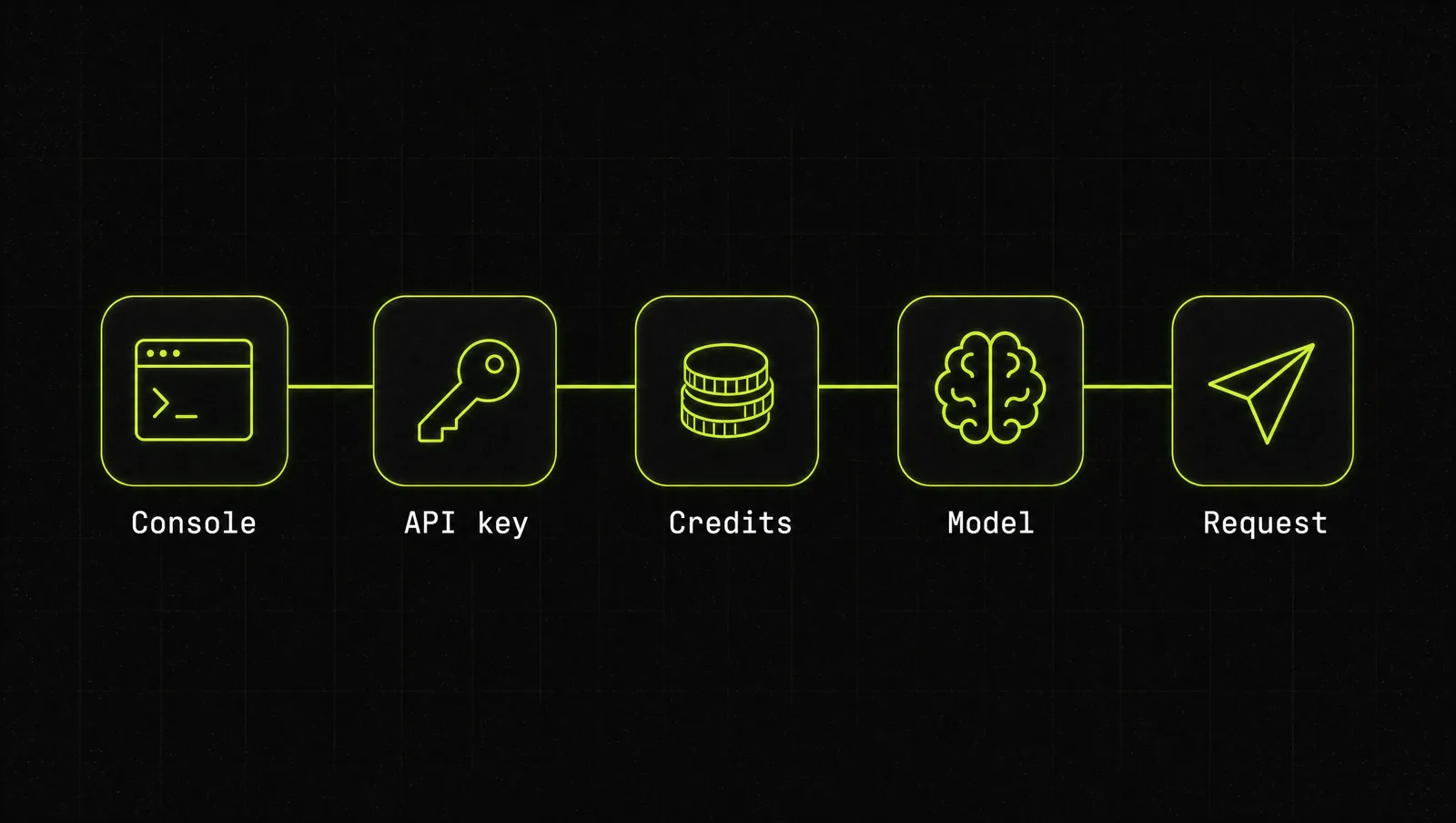
| Piece | What it is | Where you manage it |
|---|---|---|
| Claude Console | Anthropic's developer platform for your organization | platform.claude.com |
| API key | The secret that identifies your requests, starts with sk-ant- | Settings, API keys (docs) |
| Usage credits | Prepaid balance that pays for API usage | Settings, Billing (help center) |
| Model | Which Claude you call, set by a model ID like claude-opus-5-5 | In each request (models overview) |
| Limits | Monthly spend caps and rate limits per usage tier | Billing and Rate limits pages (docs) |
As of September 2026, Anthropic's models overview lists four current models: Claude Opus 5.5, which Anthropic recommends as the starting point for most workloads, Claude Fable 5.1 for demanding reasoning and long-horizon agentic work, Claude Sonnet 5.5 as the best combination of speed and intelligence, and Claude Haiku 4.5 as the fastest. Our Claude models guide compares them in detail.
How to use the Claude API in 5 steps
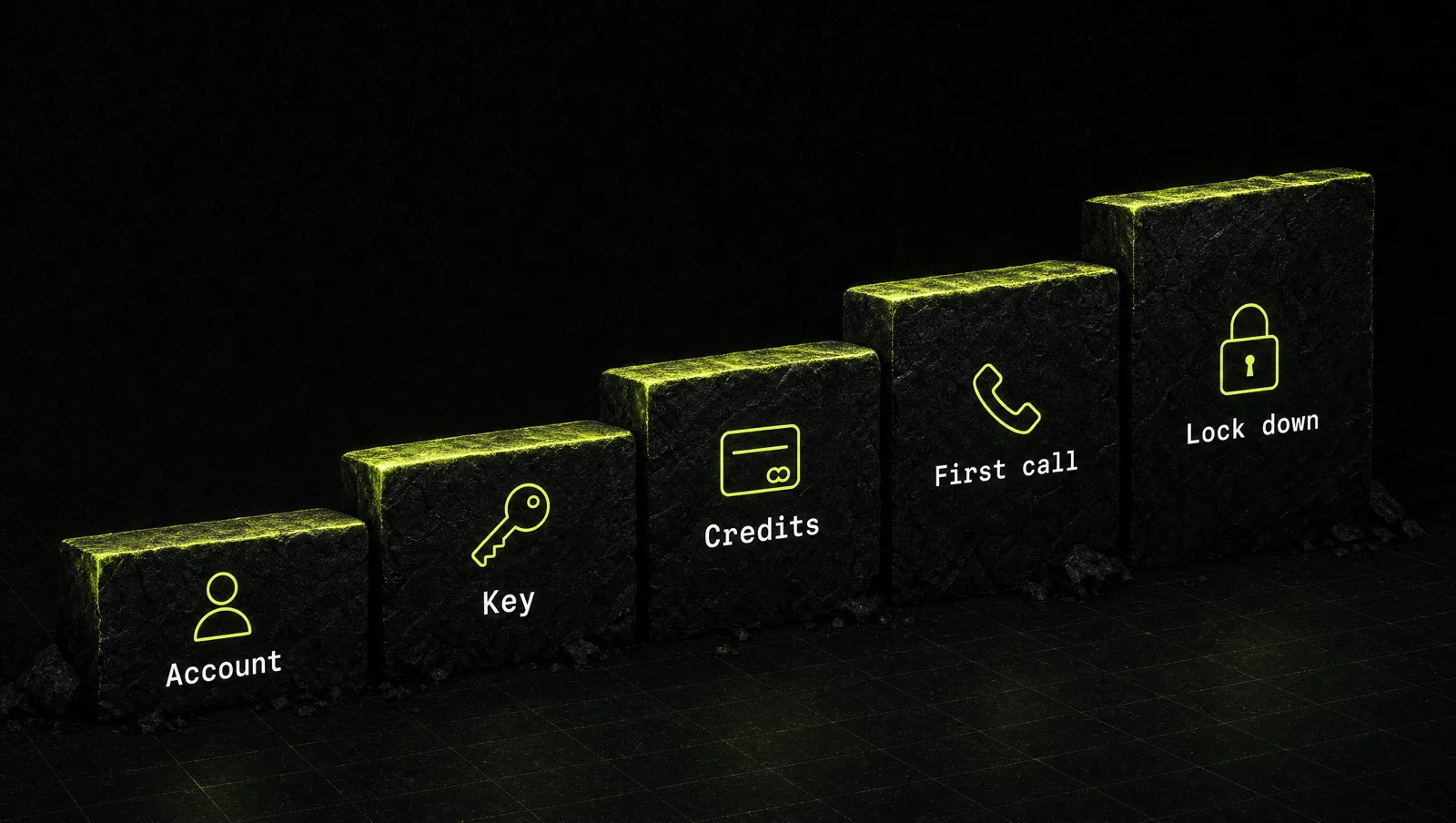
Step 1: Create your Claude Console account
Go to platform.claude.com and sign in, or create an account. The Console is where your organization lives: keys, billing, usage charts, rate limits and workspaces. The official quickstart lists exactly two prerequisites: a Claude Console account and an API key.
If you work with a co-founder or a developer, invite them to the organization instead of sharing your login. Roles matter later: buying credits requires an Admin or Billing role, according to the billing help article.
Step 2: Create a Claude API key
Open Settings, then API keys, and click Create key. Per the API key docs, you name the key, choose an expiration, set the linked account to yourself or a service account, and can scope it to a workspace. Anthropic recommends a personal key for your own development and a service account key for anything shared, such as a production service or an agent.
The important detail: the Console shows the full key only once, at creation. Copy it straight into a password manager or secrets manager. If you lose it, you cannot view it again. You create a new one.
Step 3: Add Claude API credits
API usage runs on prepaid usage credits that you buy before you make requests. In the Console, go to Settings, then Billing, and choose Buy credits (help center). Two rules to know as of September 2026: credits expire one year after purchase, and credit purchases are non-refundable. You can also turn on auto-reload, which buys more credits when your balance drops below a threshold you set.
What will it cost? Pricing is per million tokens and depends on the model. As of September 2026, the models overview lists Claude Sonnet 5.5 at $2 per million input tokens and $10 per million output tokens, and Claude Haiku 4.5 at $1 and $5. Prices change, so always check the official pricing page before you budget. Our Claude API pricing guide walks through real cost examples.
Step 4: Make your first request
Set your key as an environment variable. The official SDKs read ANTHROPIC_API_KEY automatically:
export ANTHROPIC_API_KEY="your-api-key-here"Install the Python SDK with pip install anthropic, then create quickstart.py. This is the exact example from the official quickstart:
import anthropic

client = anthropic.Anthropic()

message = client.messages.create(
    model="claude-opus-5-5",
    max_tokens=1000,
    messages=[
        {
            "role": "user",
            "content": "What should I search for to find the latest developments in renewable energy?",
        }
    ],
)

for block in message.content:
    if block.type == "text":
        print(block.text)
Run python quickstart.py and Claude's answer prints in your terminal. Three fields carry over to everything you build later: model (which Claude), max_tokens (the most it may write back) and messages (the conversation). The quickstart also has cURL, TypeScript, Go, Java, C#, PHP and Ruby versions.
Step 5: Lock it down before you build
This is the step founders skip, and it is the expensive one. Anthropic's key security guide compares an API key to a credit card number: whoever has it can run up charges on your account. The basics:
- Never put the key in code or config files. Store it as an encrypted secret or environment variable. Anything that ships to a browser or a phone app can be read by its users, so calls to Claude belong on your server.
- Separate keys by purpose: one for development, one for testing, one for production.
- Rotate keys on a schedule. Anthropic suggests every 90 days as an example.
- Scan your repositories. Anthropic works with GitHub's secret scanning program and automatically deactivates Claude API keys found in public repositories.
- Set your own spend limit. On the Billing page you can set a monthly limit below your tier's cap (rate limits docs). If a key leaks or a loop runs wild, the damage stops there.
If you suspect a key is compromised, delete it in the Console right away and create a new one.
What founders build with the Claude API
The chat app is for you. The API is for things that run without you sitting in front of them. Typical first builds:
- Features inside your product: summaries, drafting, classification or a support assistant your customers use.
- Back office automations: a script that reads new leads, scores them and writes a first reply into your CRM.
- Agents: multi-step workers that use tools and decide what to do next. Our guide on how to create agents in Claude covers the options from simple to advanced.
A real case: how Spellbook built a legal product on the Claude API

Spellbook sells AI contract review to lawyers. Its product lives inside Microsoft Word, pulls contracts in from tools like email, Slack and Salesforce, flags risks and drafts redlines. According to Anthropic's published customer story, Spellbook runs on the Claude Platform (API) and:
- runs its Claude review agents across about 530,000 contracts every month,
- handles more than 700,000 chat messages from practicing lawyers each month,
- has grown to 5,000 customers across 80 countries,
- cuts the time to complete an agreement roughly 10x, from about 10 hours of lawyer work to about one,
- orchestrates roughly 15 Claude agent configurations on its contract review surface alone.
Look at it through the system:
- Console and keys: a product at this volume runs on the API, not on anyone's chat subscription. Every one of those reviews is a request from Spellbook's servers.
- Model per task: the story describes larger Claude models on the most complex subtasks and smaller ones on the rest, including a large model that writes a plan and a smaller model that executes it. That is only possible because the API lets you pick the model in every request.
- Evaluation before switching: Spellbook uses a large model to generate review criteria, then checks results with its legal engineers and domain experts.
The lesson: the API does not give you a better Claude than the chat app. It gives you control: which model, which task, how often, at what cost. Spellbook's advantage came from designing that control around one expensive job, reviewing contracts.
Three use cases
The examples below are illustrative, not real clients. They show how the same five steps look in different businesses.
Use case 1: Recruiting agency
A small agency receives hundreds of applications a week. A script calls the Claude API for each new application, compares it against the job brief and writes a short fit summary into the applicant tracking system. The recruiter reads summaries instead of every CV. One service account key, a spend limit on the Billing page, and a smaller model for the first pass keep the cost predictable.
Use case 2: Online shop
A shop with 2,000 products needs better descriptions. A nightly job sends each product's specs to Claude and writes a draft back to the store for human approval. Nobody waits for it, so the founder tests a smaller model first and only moves up if quality falls short.
Use case 3: Software startup
A SaaS team adds an "explain this report" button. The request goes from the browser to their own backend, which holds the API key and calls Claude. The key never reaches the frontend. They start with one model, log token usage per customer from day one, and set a monthly spend limit below their tier cap until they know their numbers.
How we run this with Claude
Inside CopyPasteCEO we plan API projects in a Claude chat first, before anyone writes code. Here are the first two prompts, copy paste ready. Fill in the brackets.
Prompt 1: find your first API use case
Make it yours · 0/2 filled
You are a pragmatic AI product advisor for small businesses. My business: [WHAT YOU SELL, TO WHOM]. The repetitive tasks my team does every week: [LIST 5 TO 10 TASKS WITH ROUGH VOLUME]. For each task, rate from 1 to 10 how well it fits an automated Claude API workflow (clear input, clear output, high volume, low risk if a draft is wrong). Pick the ONE task to automate first and explain why in three sentences.Prompt 2: spec the first build
Make it yours · 0/2 filled
I want to automate this task with the Claude API: [TASK]. Input comes from [SOURCE, e.g. CRM, form, spreadsheet], output goes to [DESTINATION]. Write a one page spec: the exact prompt my code will send, the input fields, the expected output format, how a human reviews the result, what gets logged, and three test cases including one edge case. Then list the security rules for the API key in this setup.These two prompts get you from "we should use AI" to a spec a developer can build in a day. Picking the right model, controlling cost at volume and wiring it into your tools is where most people stall.
Where most people get stuck
Making a first API request takes ten minutes. Turning it into something that runs every day without surprises takes more. The usual reasons people stall:
- They start with a feature, not a task. A clever demo gets built, but nobody in the business needed it, so it never gets used.
- They skip the security step. A key ends up in a repository or a frontend, and the first real bill is somebody else's usage.
- They never measure cost per task. Without token numbers per job, they cannot tell whether the automation pays for itself.
That is exactly the gap the Inner Circle is built for: playbooks to run it, a new playbook every week, and founders building their own Claude systems next to you.